
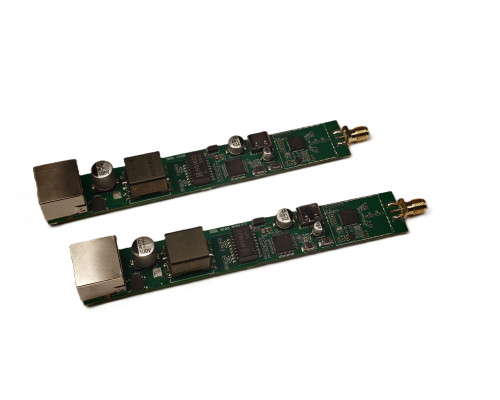
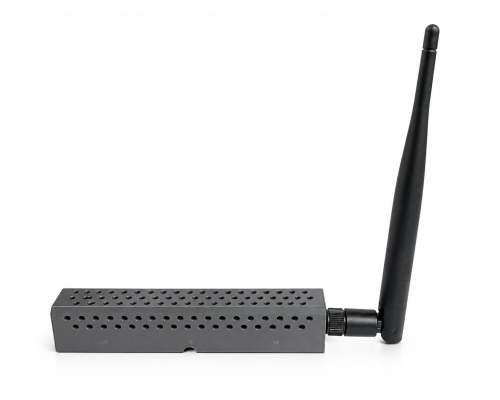
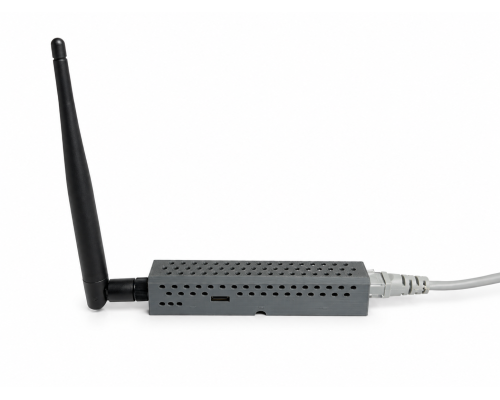
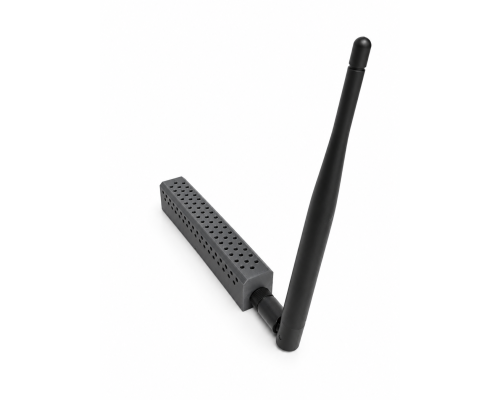
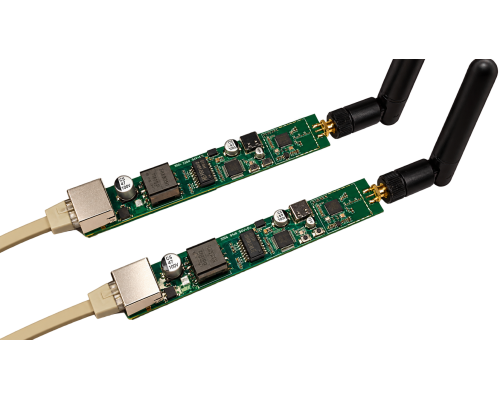


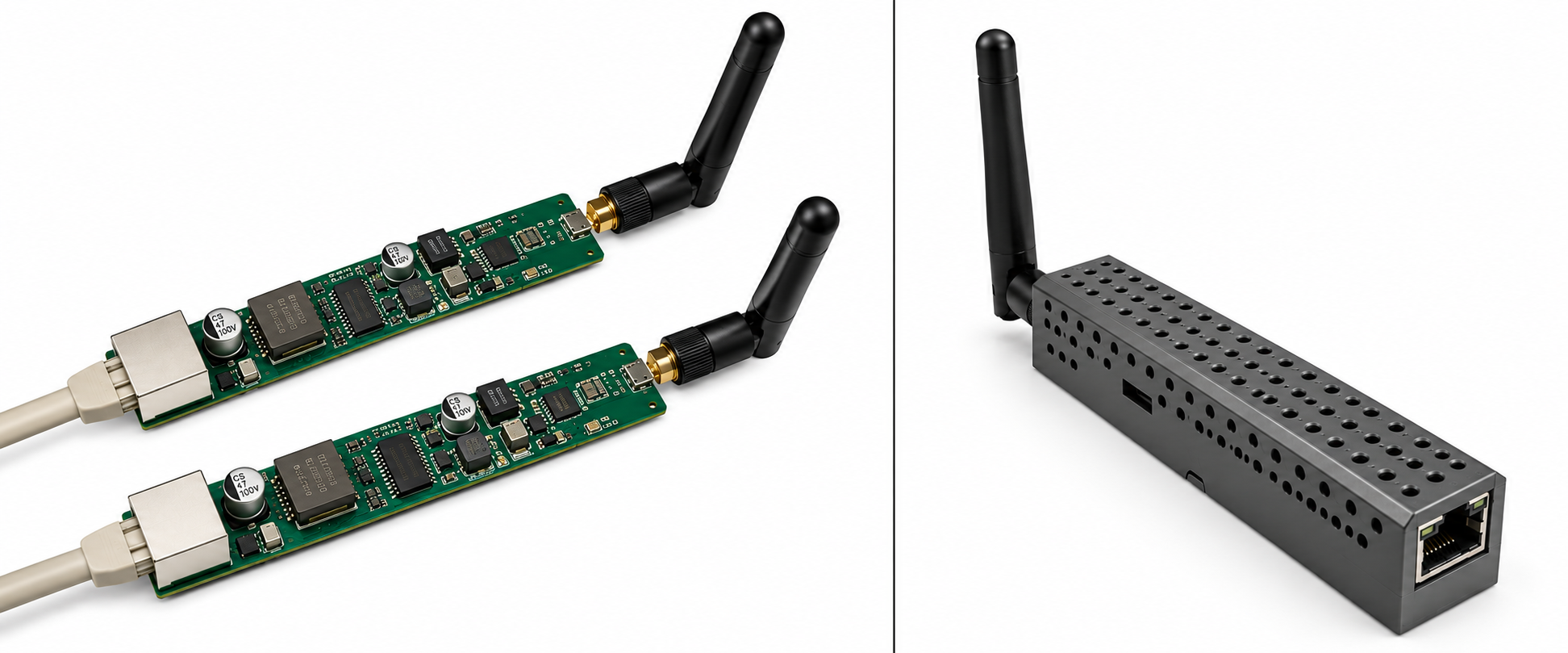
ZREL — the Zigbee-over-Ethernet range extender.
Teleport your Zigbee mesh through concrete walls, across floors, and into detached buildings — using the Ethernet cables you already have.
Use your Ethernet instead.
Everyone loves Zigbee until they try to reach a far corner of their own apartment, a detached garage, a metal workshop, a basement behind thick reinforced concrete, or a garden office. Normally, when wireless repeaters can’t reach, you’re forced to stand up a completely separate Zigbee network, run a second instance of Zigbee2MQTT, and manage two different hubs.
ZREL changes the rules. Instead of trying to blast a radio signal through solid concrete, ZREL encapsulates raw Zigbee radio traffic and tunnels it straight through your local Ethernet network — something that simply didn't exist before, and it's our own original design.
|
One single unified mesh
Devices in your detached garage join your main house's Zigbee network as if they were sitting right next to your primary hub.
|
Zero extra hubs
No second coordinator, no second Zigbee2MQTT instance, and no complicated MQTT bridging.
|
|
Plug-and-play compatibility
Works transparently with Home Assistant (ZHA), Zigbee2MQTT, and any standard Zigbee network — your hub just sees a regular Zigbee router.
|
Rock-solid reliability
Powered by Silicon Labs’ EFR32MG24 radio, time-tested SLZB power architecture, and wired Ethernet with PoE support — eliminating wireless dead zones and LQI drops across long distances.
|
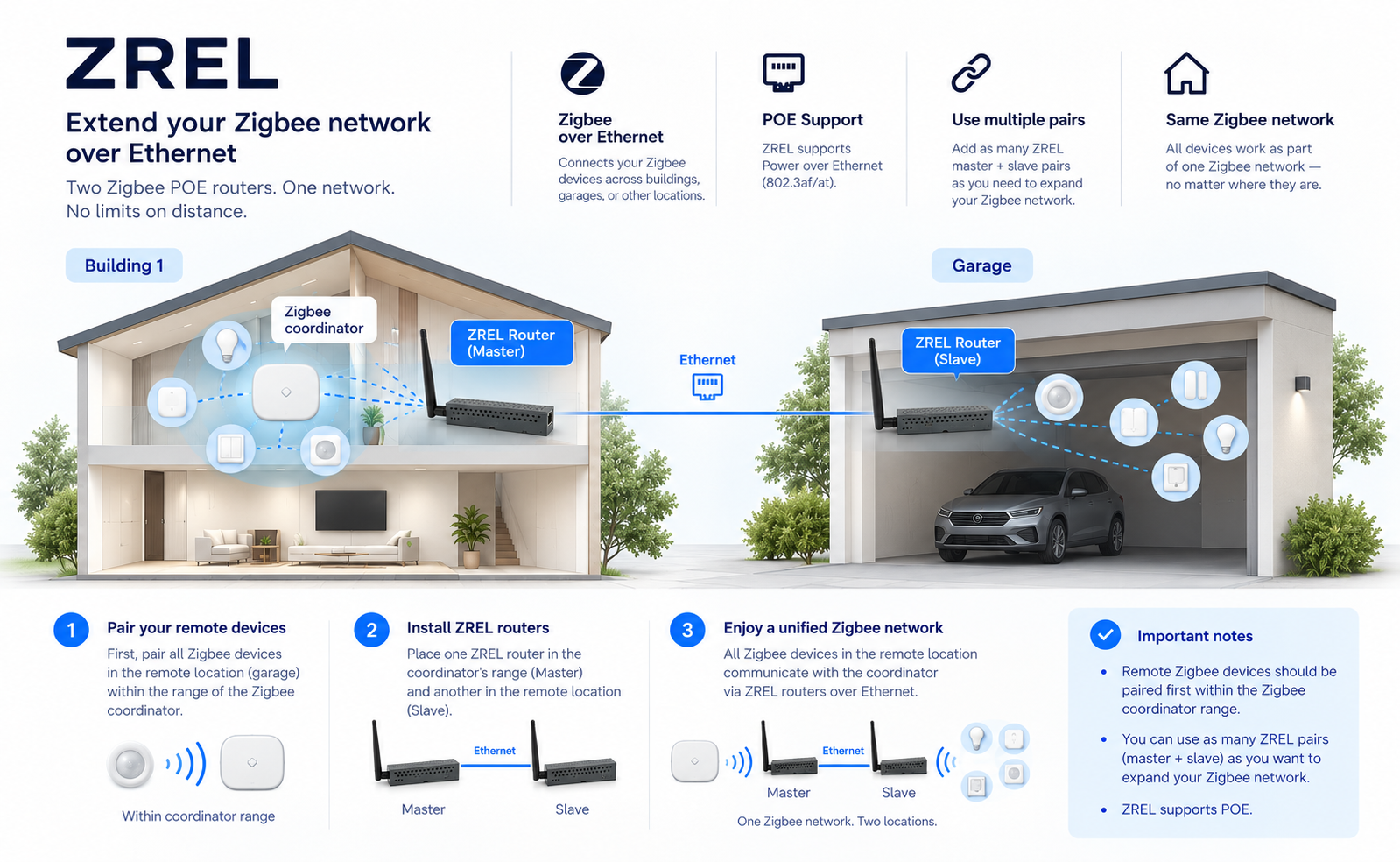
Think of a pair of ZREL units as an invisible, miles-long extension cord for your Zigbee mesh:
| 1 | Pair the Host unit. Place the first ZREL unit (Master) near your existing Zigbee coordinator and pair it to your network, just like any standard Zigbee smart plug or router. |
| 2 | Plug into Ethernet. Connect the Master unit into your home Ethernet switch or router — PoE power is supported, so one cable can carry both. |
| 3 | Deploy the Remote unit. Take the second ZREL unit (Slave) to your dead zone — garage, basement, barn, or another floor — and plug it into an Ethernet port on the same local network. |
| 4 | Add your devices. The two ZREL units automatically find each other over your LAN. Any Zigbee sensors, bulbs, or switches near the remote unit seamlessly connect back to your main smart home. |
Need to cover more than one dead zone? You can use as many ZREL pairs (Master + Slave) as you want to expand the reach and capacity of your Zigbee network.
| 1× | ZREL board (SMLIGHT EFR32 series) |
| 1× | High-gain +5 dBi external antenna |
Because this is our rapid-release first batch of 200 units, no plastic enclosure is included in the box. Downloadable 3D case files are available on the product page — print your own enclosure in minutes. Remember: order 2 units to create a complete Ethernet bridge.
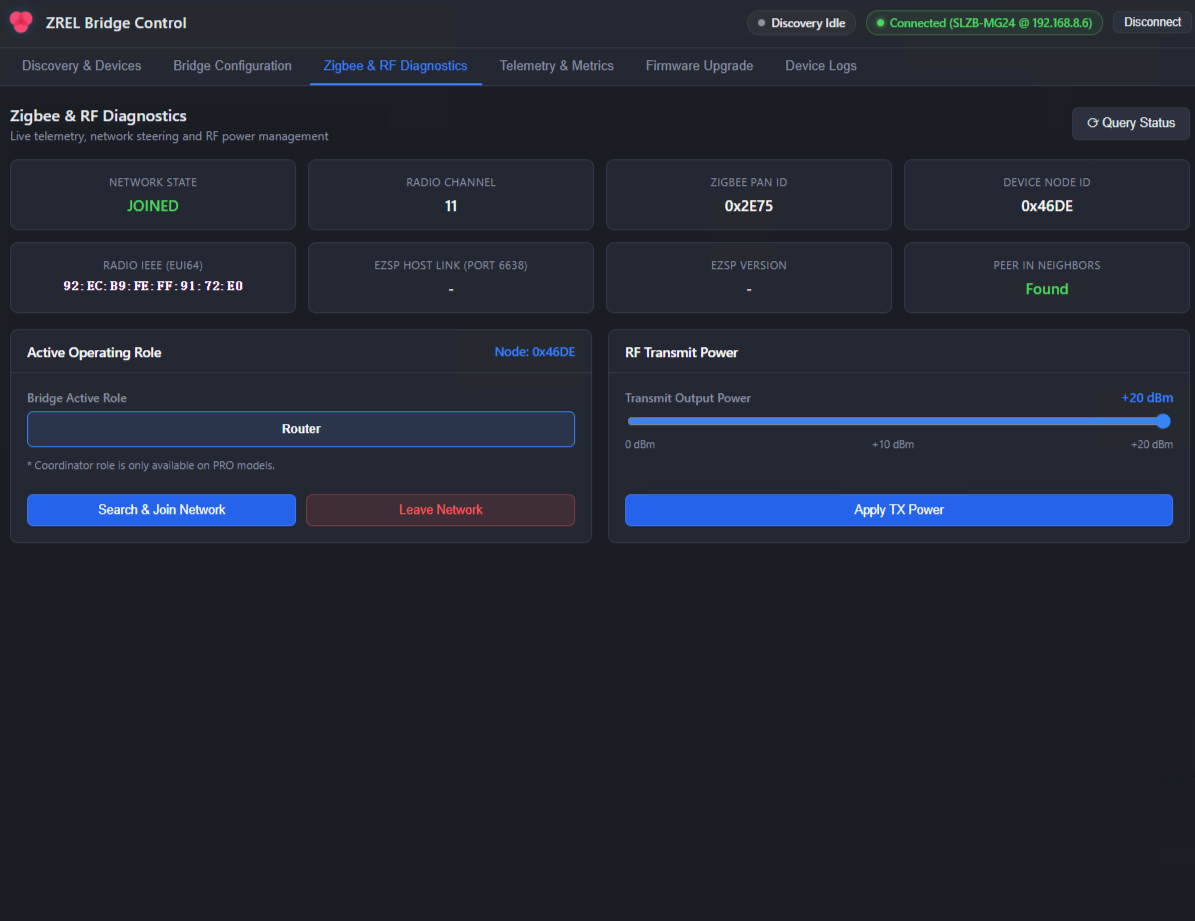
A free cross-platform ZREL Config app (Windows, macOS, Linux) with an easy GUI and a power-user CLI. Units are discovered on the network automatically — pick a mode (Master/Slave), monitor your Zigbee network's status, and push firmware updates in one click.
 |
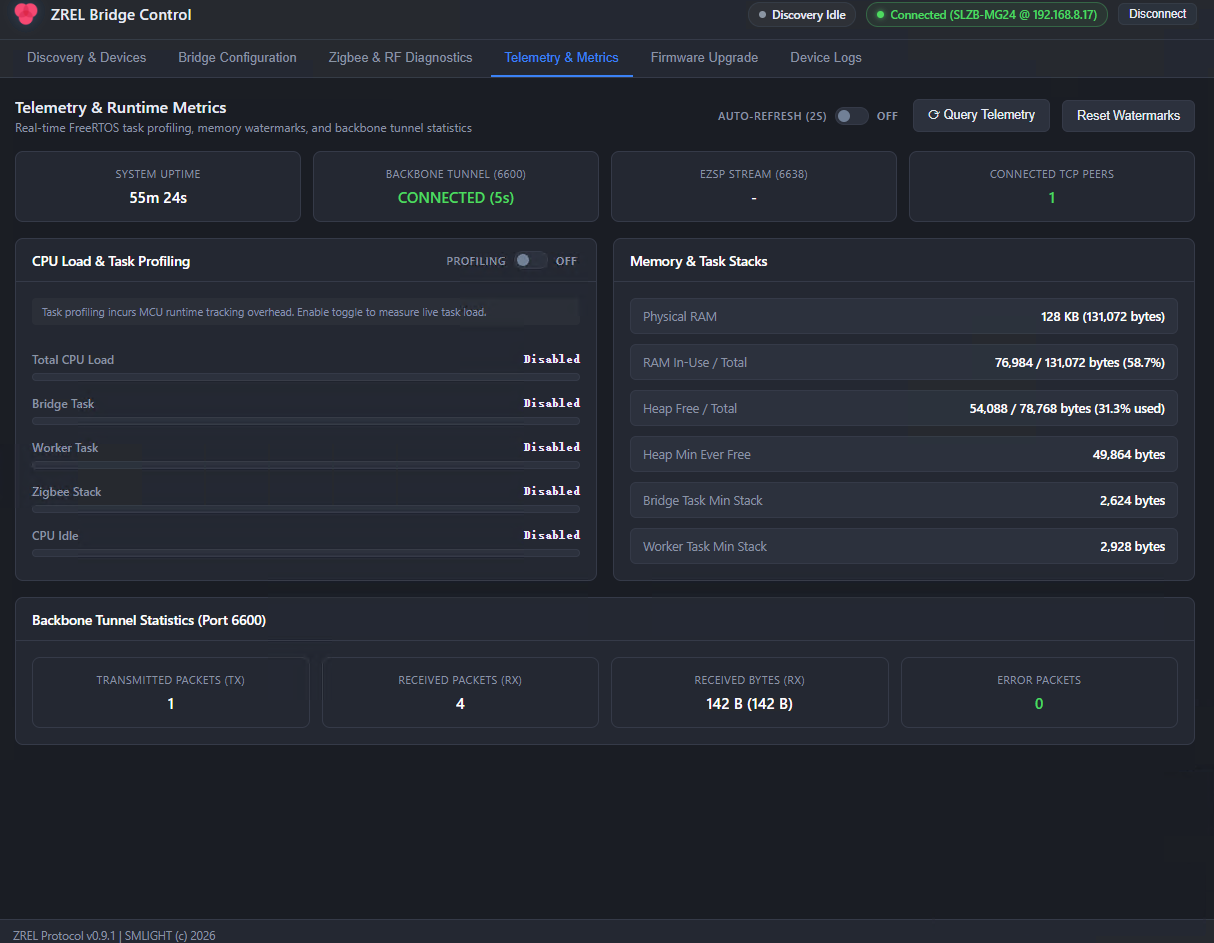 |
ZREL Config is free to download from the product page or the project's repository.
| Radio SoC | Silicon Labs EFR32 (board variants: SLZB-MG24 ) |
| Operating modes | Master (TCP Server) or Slave (TCP Client) — user-configurable |
| Zigbee role | Zigbee Router — extends your existing Zigbee mesh |
| Power | PoE, IEEE 802.3af standard |
| Auto-discovery | Zero-config automatic pairing over LAN via UDP broadcast (port 6602) |
| Network ports | 6600 (ZREL Zigbee tunnel) · 6601 (TCP management) · 6638 (EZSP) |
| Configuration | Free ZREL Config cross-platform desktop app (Windows, macOS, Linux) featuring both an easy GUI and a power-user CLI. Settings save directly to non-volatile flash (NVM3). |
There are no reviews for this product.
No questions about this product.